Introduction
Pomodorome is a Pomodoro timer for Mac, iPhone and iPad. You work in focus sessions of 25 minutes, take a short break after each one and a long break after every fourth, and see where your focus went.
New here? Start in 5 minutes.
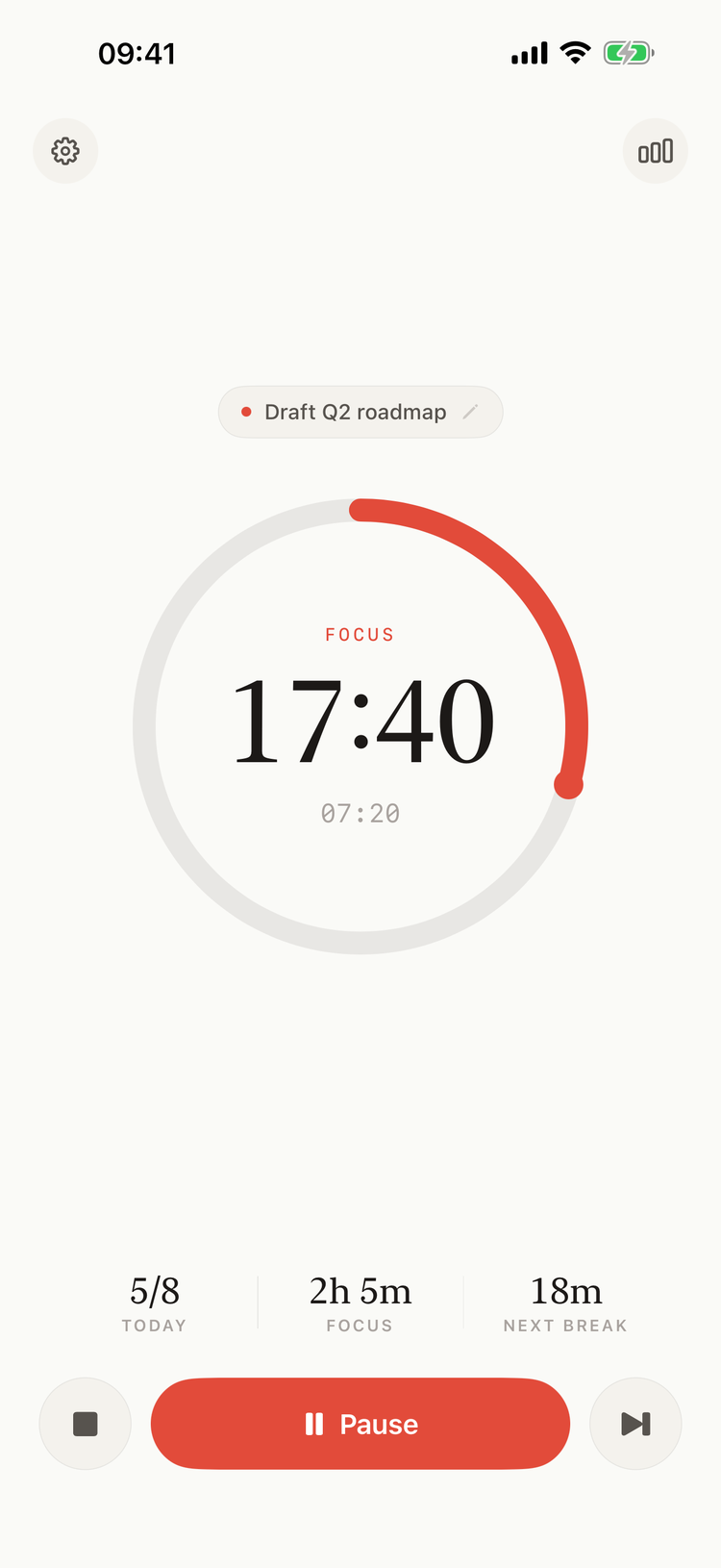
The timer on iPhone
Main features
- The Pomodoro cycle: focus sessions, short breaks and long breaks, with the lengths you choose. See The Timer.
- On the Mac, in the menu bar: the time left next to the clock, a panel one click away, and a floating window if you want the timer on screen. See On Mac.
- On iPhone and iPad: the timer, notifications when a session ends, and a Home Screen widget. See On iPhone and iPad and Home Screen Widget.
- Tasks: name what you work on, and see your time per task. See Tasks.
- Statistics: focus time by day, week or month, the hours you focus best, and every session in History. See Statistics.
- Export: your sessions as a CSV file. See CSV Export.
- Notifications and sounds: an alert when a session ends, and ticking on the Mac. See Notifications and Sounds.
- Keyboard shortcuts: start, pause and skip from any app on the Mac. See Keyboard Shortcuts.
- iCloud sync: the same sessions and tasks on your Mac, iPhone and iPad. See iCloud Sync.
The timer, statistics and History are free. Tasks, the heatmap and per-task statistics, CSV export, iCloud sync and keyboard shortcuts come with Pomodorome Pro, a one-time purchase.
Contact us
Questions, ideas or a bug to report: write to support@aloggers.com, or use Contact developer in the iPhone app's Settings or Contact author in the Mac app's About window. See Support and FAQ.